
Choose the right browser,
every time.
When you click a link, Turnstile intercepts it and lets you pick which browser to open it in. Work links in Chrome, personal in Firefox — you decide.
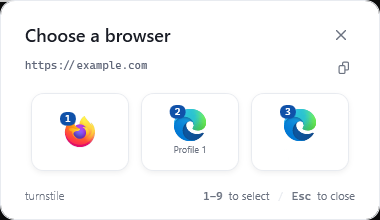
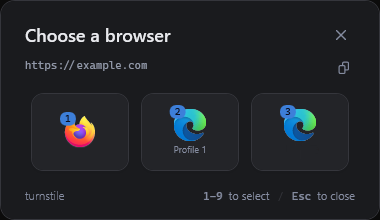
See Turnstile in action
The real app screens for setup, rules, and everyday control.
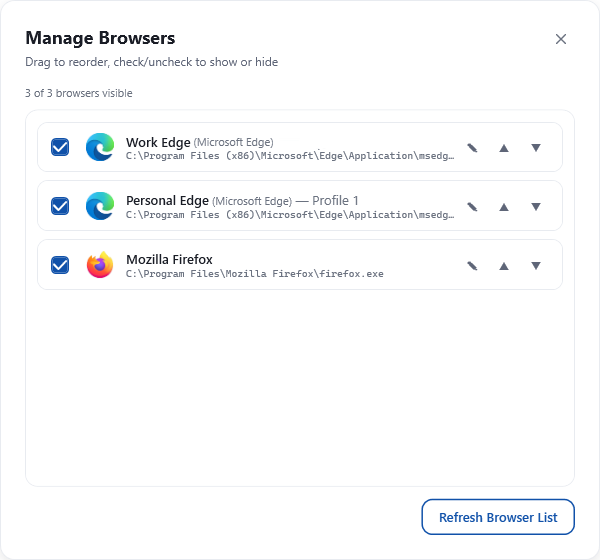
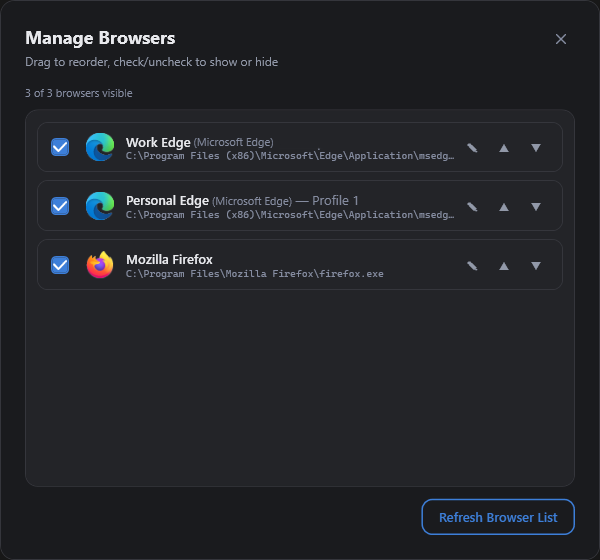
Features
Everything you need to take control of your browsing.
Instant Browser Picker
A compact popup appears right when you click a link. See all your browsers at a glance with their icons and keyboard shortcuts.
Browser Profiles
See your Chrome and Firefox profiles alongside your browsers. Open links directly in your Work, Personal, or any other profile.
Keyboard First
Press 1–9 to instantly open a link in a specific browser. Esc to dismiss. No mouse needed.
Full Browser Management
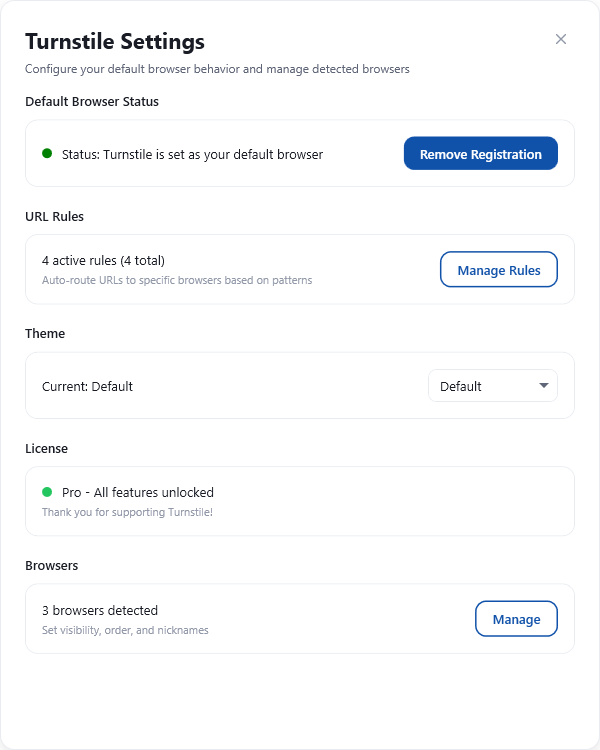
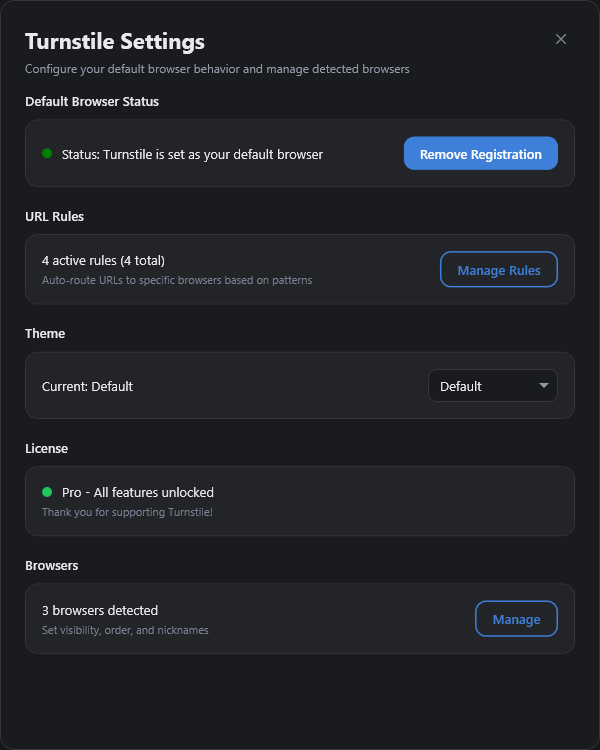
Rearrange browsers, give them nicknames, and customize how they appear in the picker. Your setup, your way.
Automation Rules Pro
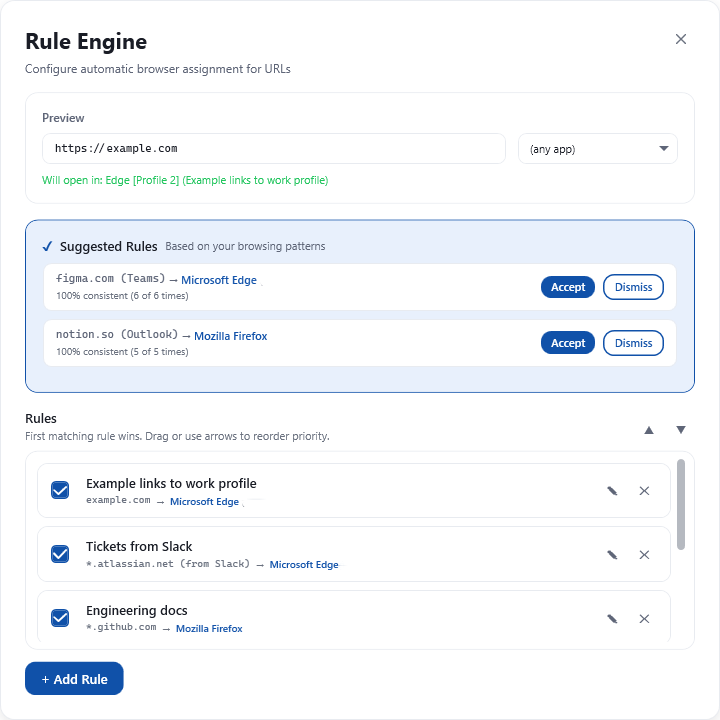
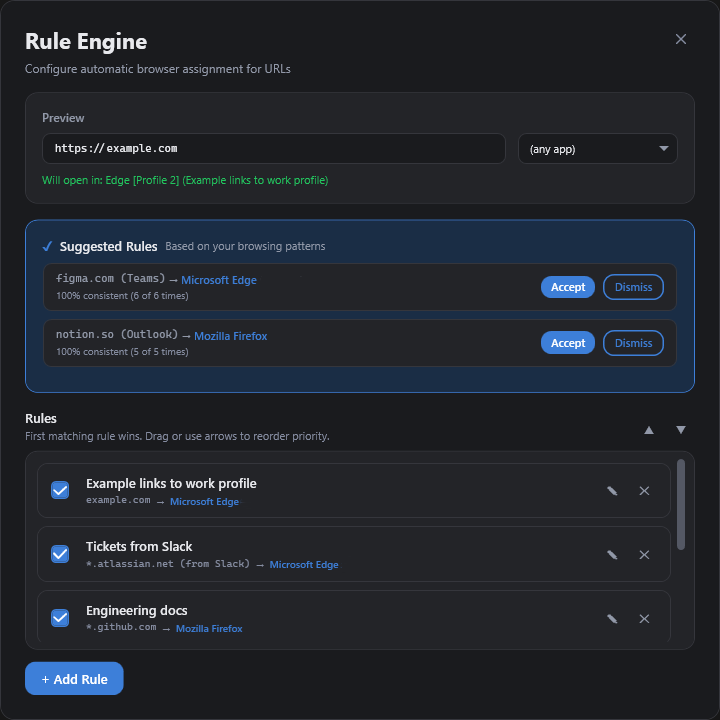
Create rules that automatically route URLs to the right browser. Match by domain, regex pattern, or even by which app opened the link.
Smart Suggestions Pro
Turnstile learns from your choices and suggests automation rules when it detects patterns. Say yes, and it handles everything automatically.
How it works
Three steps to browser freedom.
Click any link
In Slack, Teams, email, or wherever. Turnstile intercepts it before it reaches a browser.
Pick a browser
A compact picker appears with your browsers and profiles. Press a number key or click.
Done
The link opens in your chosen browser. Set up rules, and Turnstile will do it automatically next time.
Compare Editions
Install Turnstile free. Microsoft Store shows the local price and completes the Pro purchase.
- Browser picker popup
- Keyboard shortcuts (1–9)
- Browser profiles
- Browser nicknames
- 6 built-in themes with light/dark mode
- Lightweight — no background processes
30-day free trial available
- Everything in Free, plus:
- Automation rules
- Smart suggestions
- Source app detection
- All future features included
Privacy first — lightweight by design
Turnstile does not collect, transmit, or store any personal data on external servers. All your data stays on your device. There are no background processes or services — Turnstile only runs when you need it.